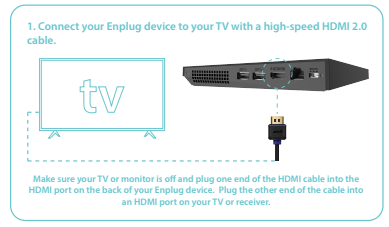
- Connect your Enplug Device to your TV with a HDMI Cable
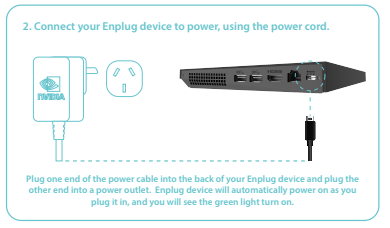
- Connect your Enplug Device to power using our Power Adapter
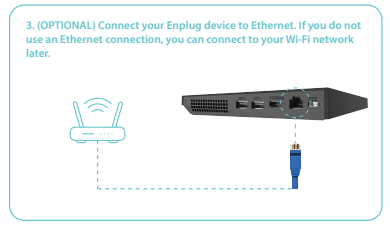
- Connect a Cat6 Data Cable (OPTIONAL)
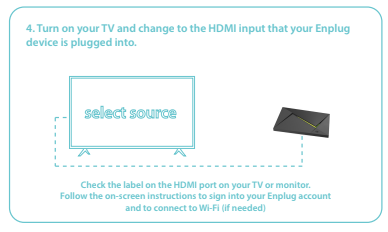
- Ensure your TV is on the correct HDMI Input
- If you are connecting via Wi-Fi, follow these steps:
- Open the side menu:
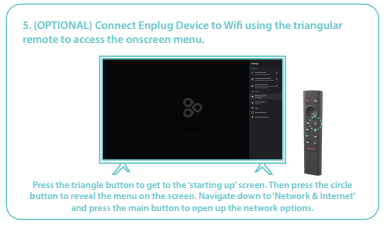
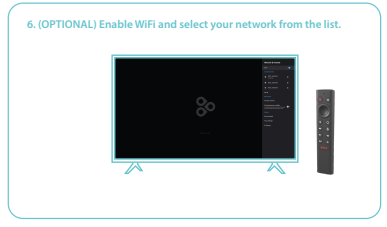
- Enable Wi-Fi and select Network
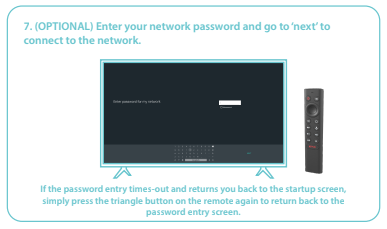
- Enter Network Password
- Open the side menu:
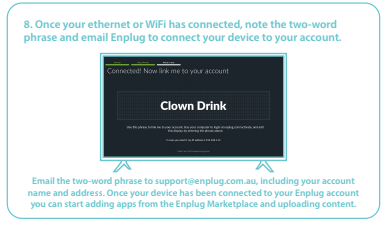
- Contact us with your Two-Word Passphrase!
Note: We are contactable via support@enplug.com.au or via +61 3 8899 6271