- Connect your Enplug Device to your LED Controller with a HDMI Cable.
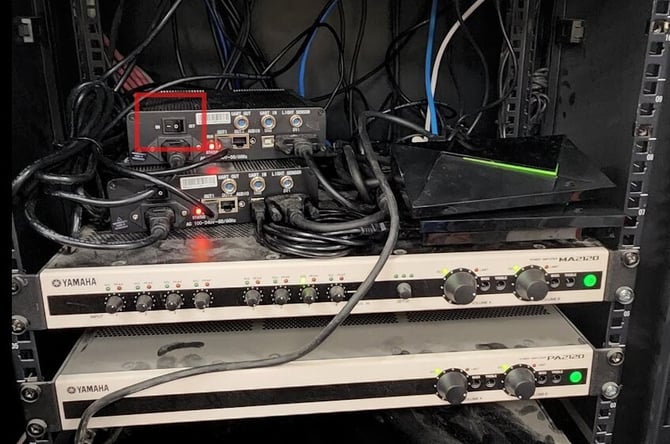
- Connect your Enplug Device to power using our Power Adapter
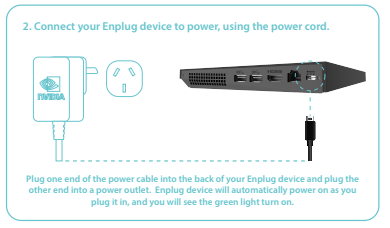
- Connect a Cat6 Data Cable (OPTIONAL)
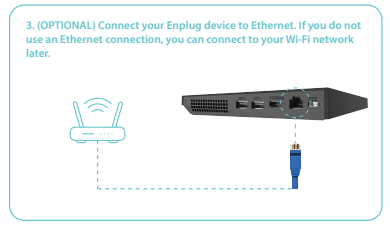
- Ensure your LED Screen is displaying an image.
- If you are connecting via Wi-Fi, follow these steps:
- Open the side menu:
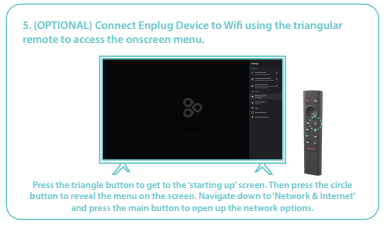
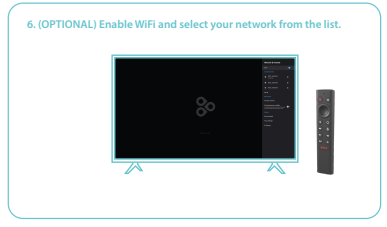
- Enable Wi-Fi and select Network
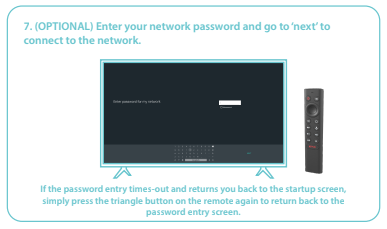
- Enter Network Password
- Open the side menu:
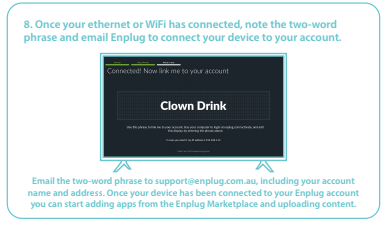
- Set up the device using the Two-Word Passphrase to the correct display group.
- Open Anydesk and access the device remotely.
- Pull up side menu by pressing "Windows+Enter" on your keyboard.
- Go to "Apps > Show all apps > Terminal"
- Open up aspect ratio calculations and copy paste overscan details. "right click > Copy"
- Paste overscan details into Terminal Emulator via Anydesk. "Ctrl + Shift + V"