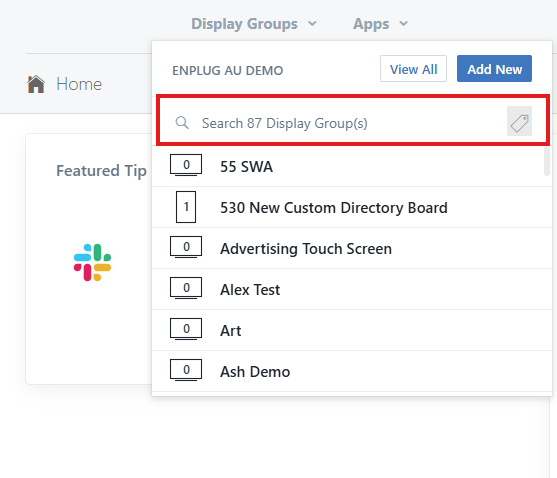
1. Search for the display group you want.
2. Navigate to the Operating Hours within the Display Group.
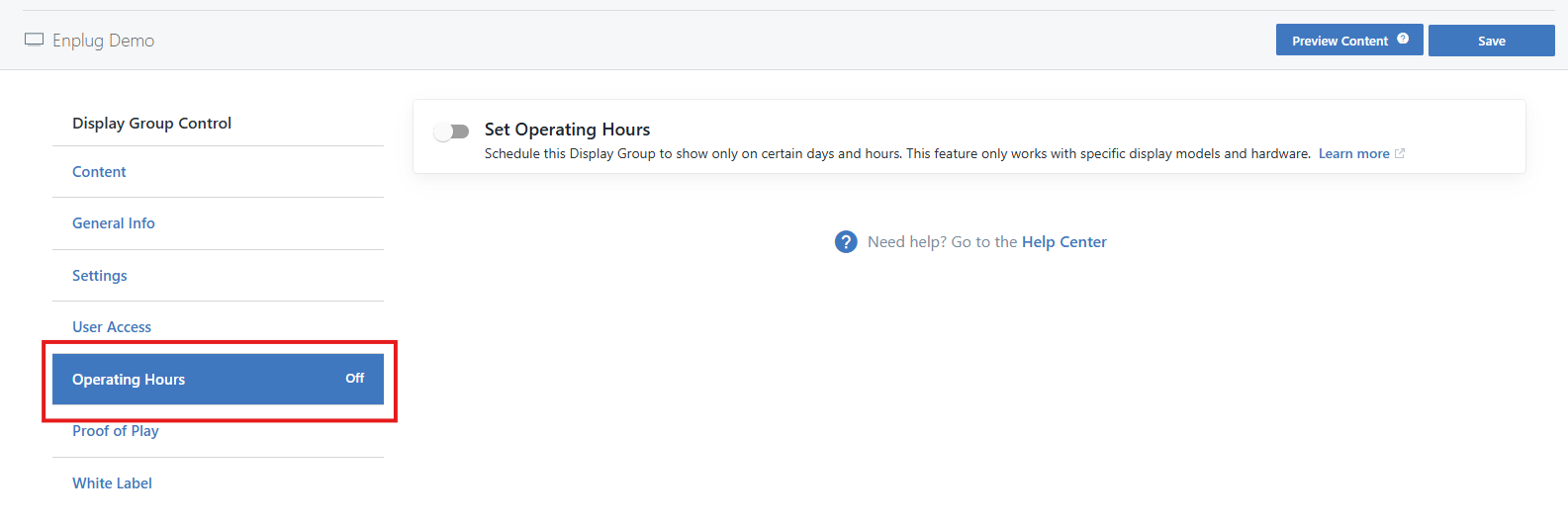
3. Turn on Operating Hours with the button shown below:

4. Set your desired operating hours for each day. Please note that you will also have to tick the days that you want the operating hours to occur on.
For example see below:
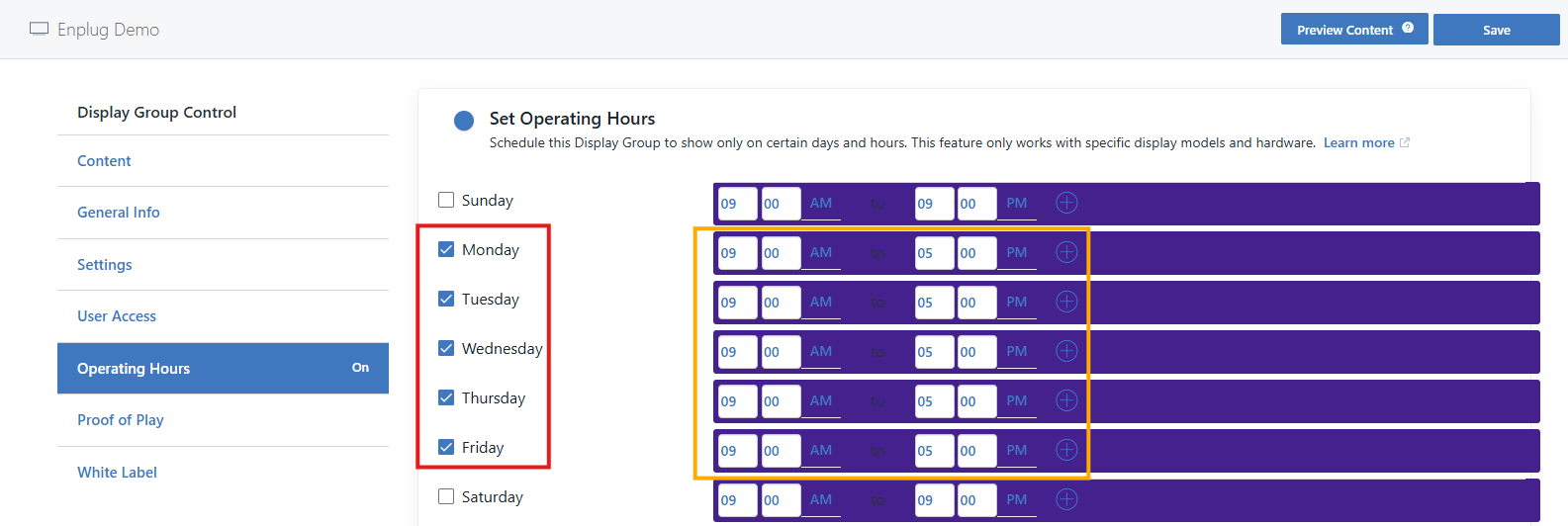
The Red box is displaying the days that the operating hours will function for, whilst the Orange Box is indicating the hours in which the device will be ON.
Please ensure that you have the right times such as 9am - 5pm and not 9pm - 5am.
5. Ensure you hit the save button to save changes.

If you have any problems at all with this feel free to contact us via our support email:
support@enplug.com.au